Problem statement
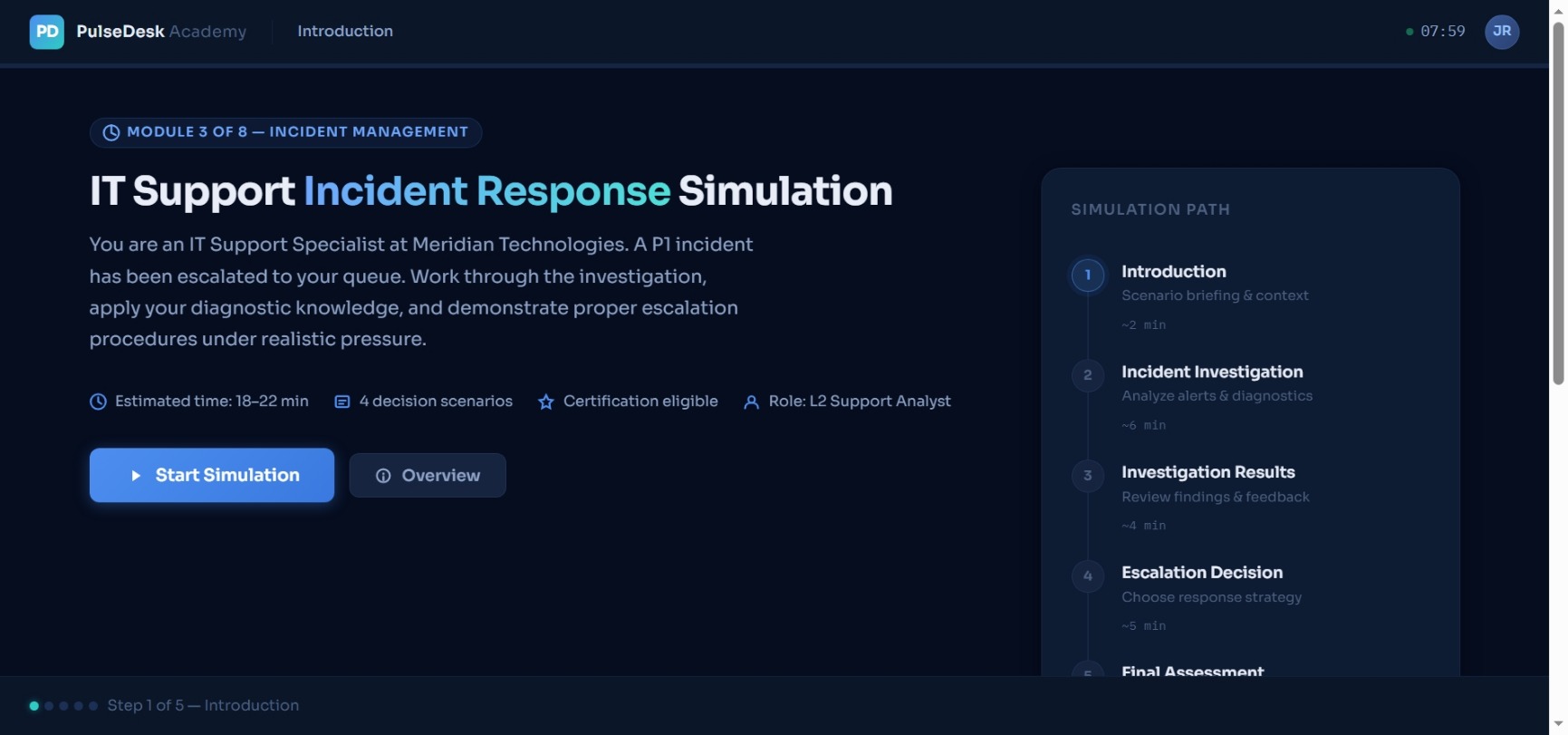
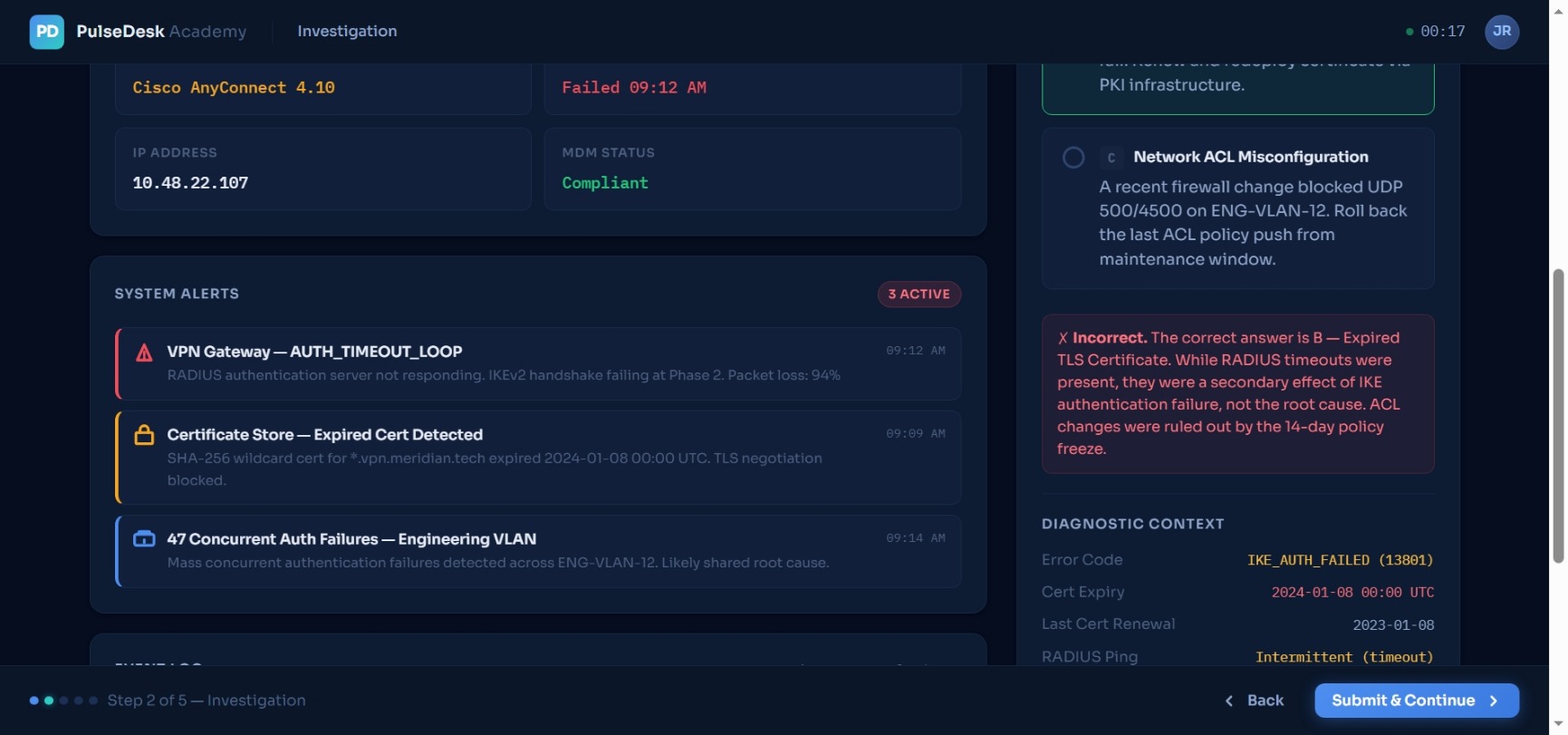
Traditional IT onboarding and technical training often rely heavily on static documentation and passive learning materials, making it difficult for support employees to develop real-world troubleshooting and operational decision-making skills. The project was designed to create a more immersive and learner-centered training experience by simulating realistic enterprise incidents and allowing learners to practice investigation, escalation, and incident response workflows in a safe environment.
Target audience
Primary Audience:
- IT Support Specialists
- Technical Support Analysts
- Service Desk Employees
- Incident Response Teams Secondary Audience:
- Customer Support Teams
- Operations Teams
- New Technical Hires
- SaaS Product Support Employees
Project Link
View project

Learning Goals
By completing the simulation, learners should be able to:
- Analyze enterprise IT incident data
- Interpret system alerts and diagnostics
- Identify root causes using troubleshooting workflows
- Apply escalation decision-making strategies
- Communicate effectively during incidents
- Understand SLA impact and operational priorities
- Complete incident response workflows in a structured manner
Tools And Technology
- Webflow CMS
- Claude
- HTML/CSS prototype generation
- AI-assisted content workflows
- UX/UI prototyping
- Scenario-based instructional design
- LMS-inspired interaction design
- Responsive web design
- SaaS dashboard interface design
Project Outcome
The final project resulted in a functional interactive learning simulation prototype demonstrating how modern instructional design, UX thinking, and scenario-based learning can be combined to create engaging enterprise training experiences. The project showcases a realistic SaaS-style onboarding and incident response learning environment designed to improve operational decision-making, troubleshooting confidence, and learner engagement.